Independent Android browser

Your tabs, right where you left them.

Send any tab to your own apps with one tap, edit every button in the menu, choose where links from other apps open, and keep work and life apart in workspaces and containers. Private by default.

  • F-Droid: available
  • Google Play: in testing
  • iOS: in development
  • Independent, no ads

Dejavu is made of small things that save you time every day. Open it and everything is where you left it, on every device.

That feeling of having been here before is where the name comes from.

An independent browser

Made on its own, for you

Not a Firefox product

Dejavu started as a fork of Firefox for Android (Fenix), Mozilla's open source mobile browser. It is not a Firefox product, and it is not made, endorsed or supported by Mozilla.

Not part of Zen Browser

Dejavu can sync with Zen, so if you use Zen on your computer, your workspaces show up on your phone too. But the two are separate apps made by separate people. Sync is the only thing they share.

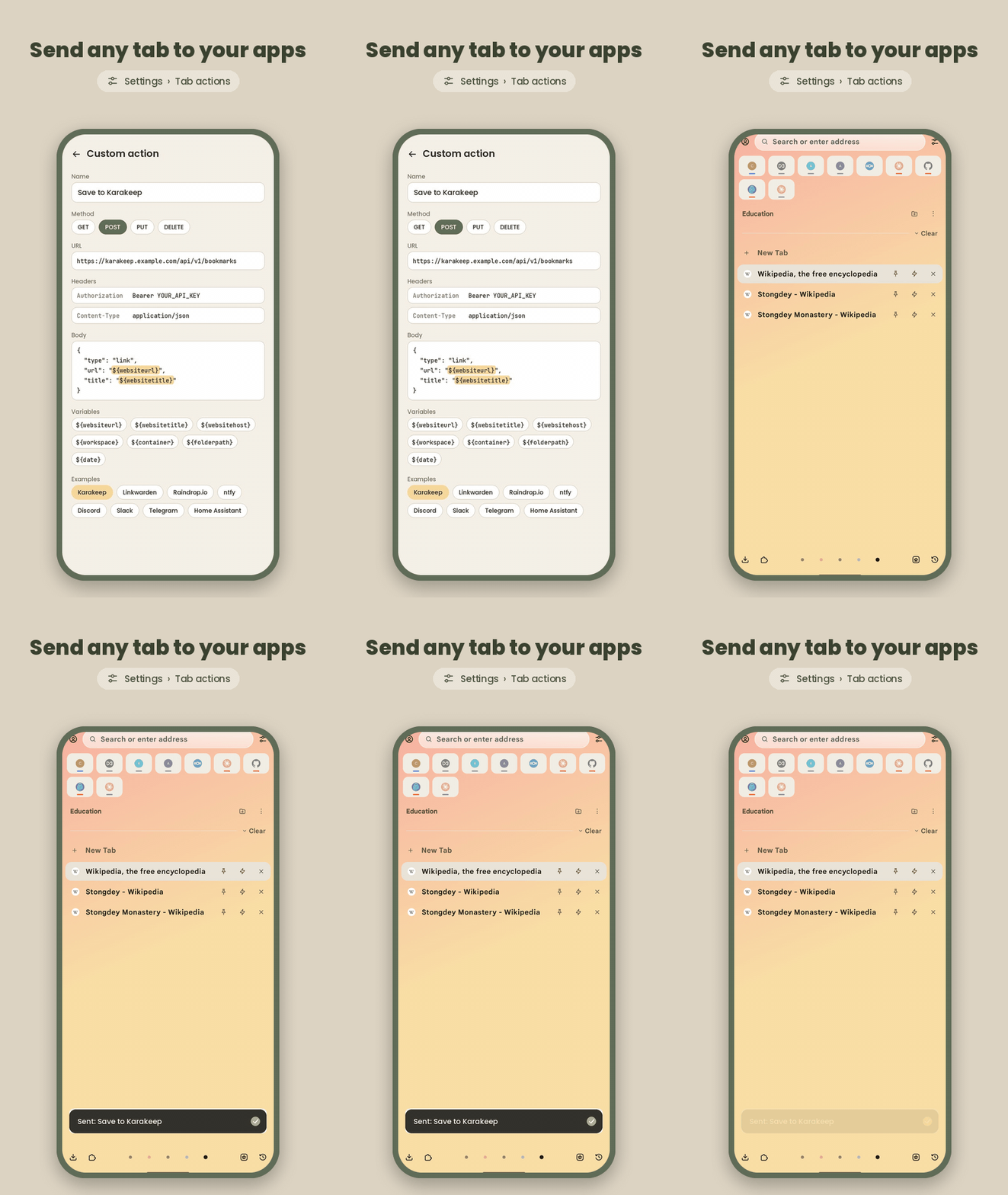
A tab sent to Karakeep with one tap on a custom action

Custom actions

Send any tab to your apps

Turn any web service into a button. A custom action sends the page you are on, or every tab you selected, to an app or server you choose: save it to your read-later app, post it in a chat, send it to your phone as a notification or start a home automation.

  • Write the request once: the method, URL, headers and body, like a curl command.
  • Fill it in with the page's address, title and site, or its workspace, container, folder and the date, using variables such as ${websiteurl}.
  • Put the action in the menu, on the buttons of each tab, or on the bar you see when you select several tabs.

Ready-made examples

  • Karakeep
  • Linkwarden
  • linkding
  • Readeck
  • Raindrop.io
  • Memos
  • ntfy
  • Gotify
  • Discord
  • Slack
  • Telegram
  • Home Assistant
  • Any webhook

Make the menu yours

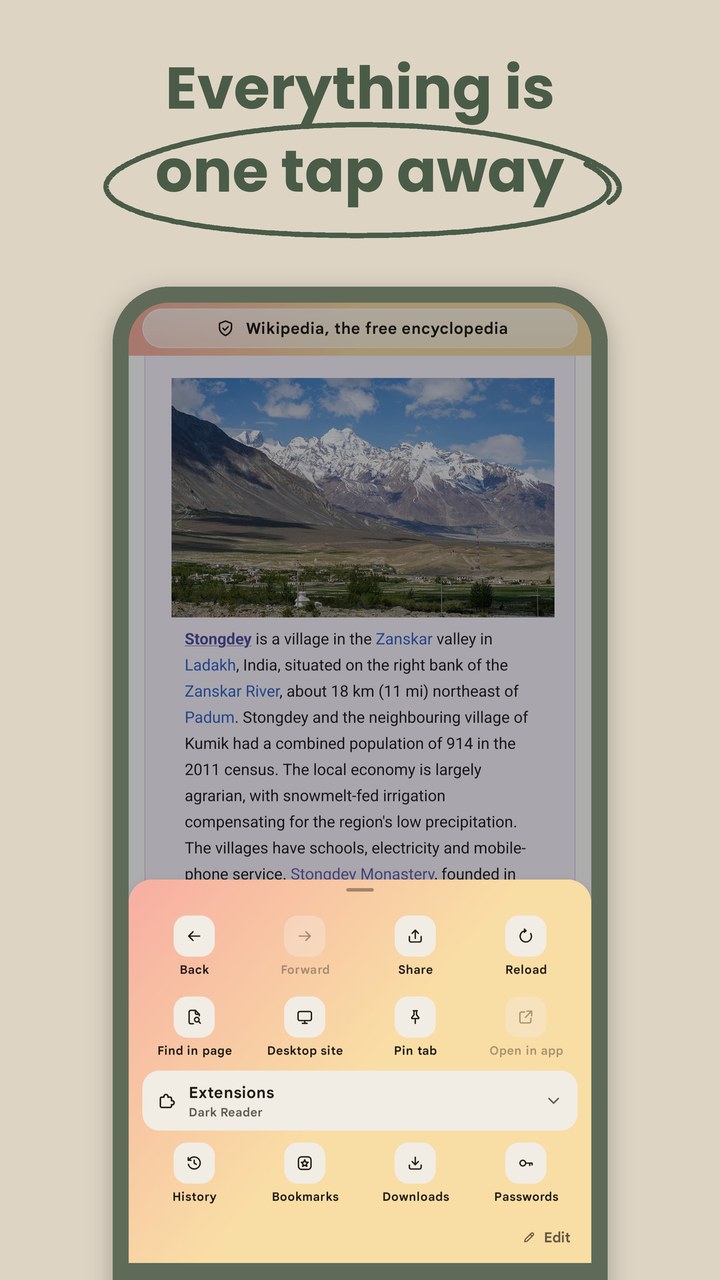
Add, remove and move any button in the menu, add new rows, and put your own custom actions between them. The first row is the actions bar below every page, so the buttons you use most are always one tap away.

Choose the buttons on pinned tabs, on other tabs, and on the bar for selected tabs too.
Links from other apps land where they belong

Choose the workspace and container that links from other apps open in: always the same workspace, the one you saw last, or a private tab.

Back takes you straight back to the app you came from.

And everything else

Everything in its place

Workspaces

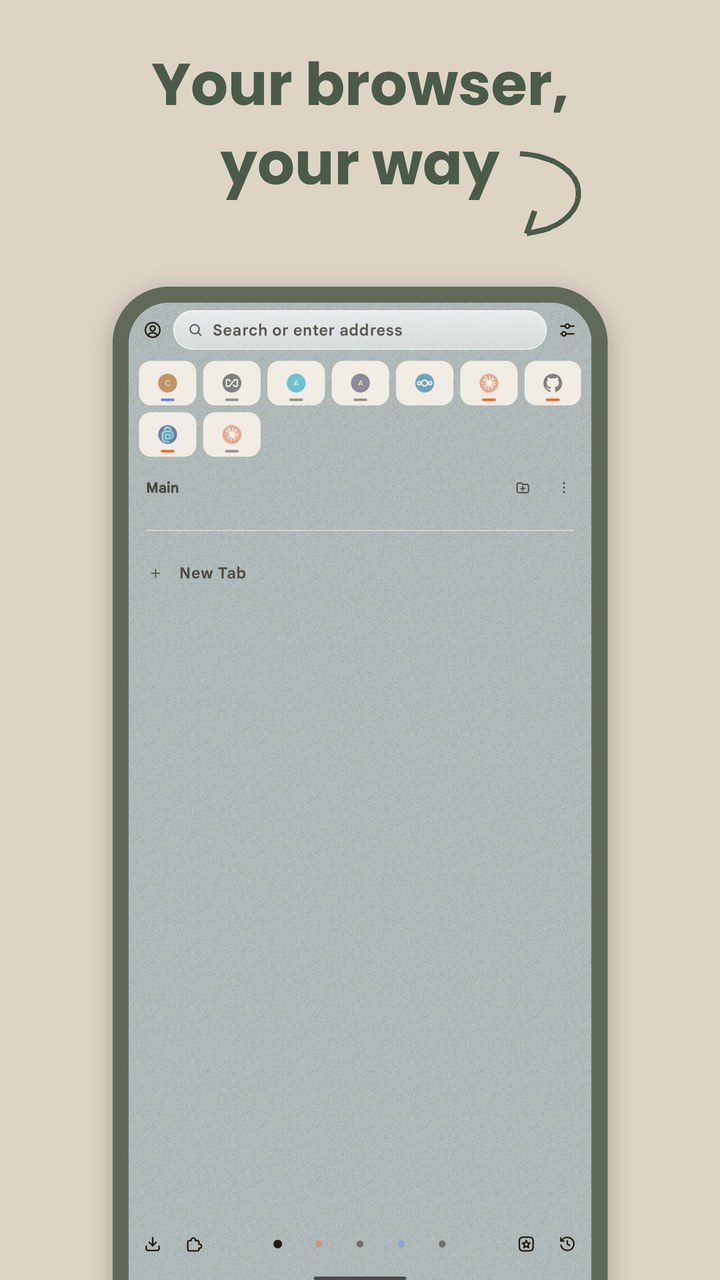
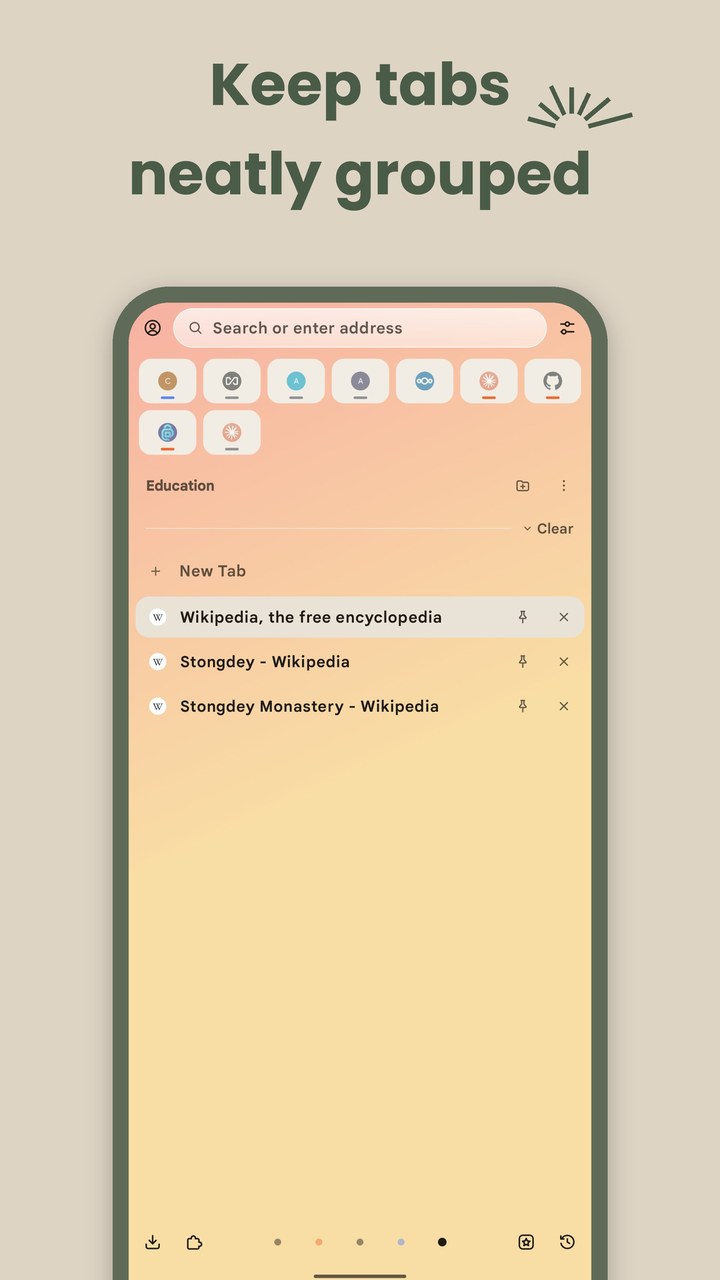
Keep work, study and personal browsing apart. Each workspace has its own icon, color theme and tabs, and you swipe between them. A private workspace keeps private tabs in one place.

Pinned tabs, essentials and folders

Pin the tabs you come back to, sort them into folders, and keep your favorite sites as essentials at the top of the home screen.

Containers

Tabs in a container keep their own cookies and site data, so you can stay signed in to two accounts at once. A workspace can open all its tabs in a container. Temporary containers delete their data after their last tab is closed.

Sync with Zen Browser

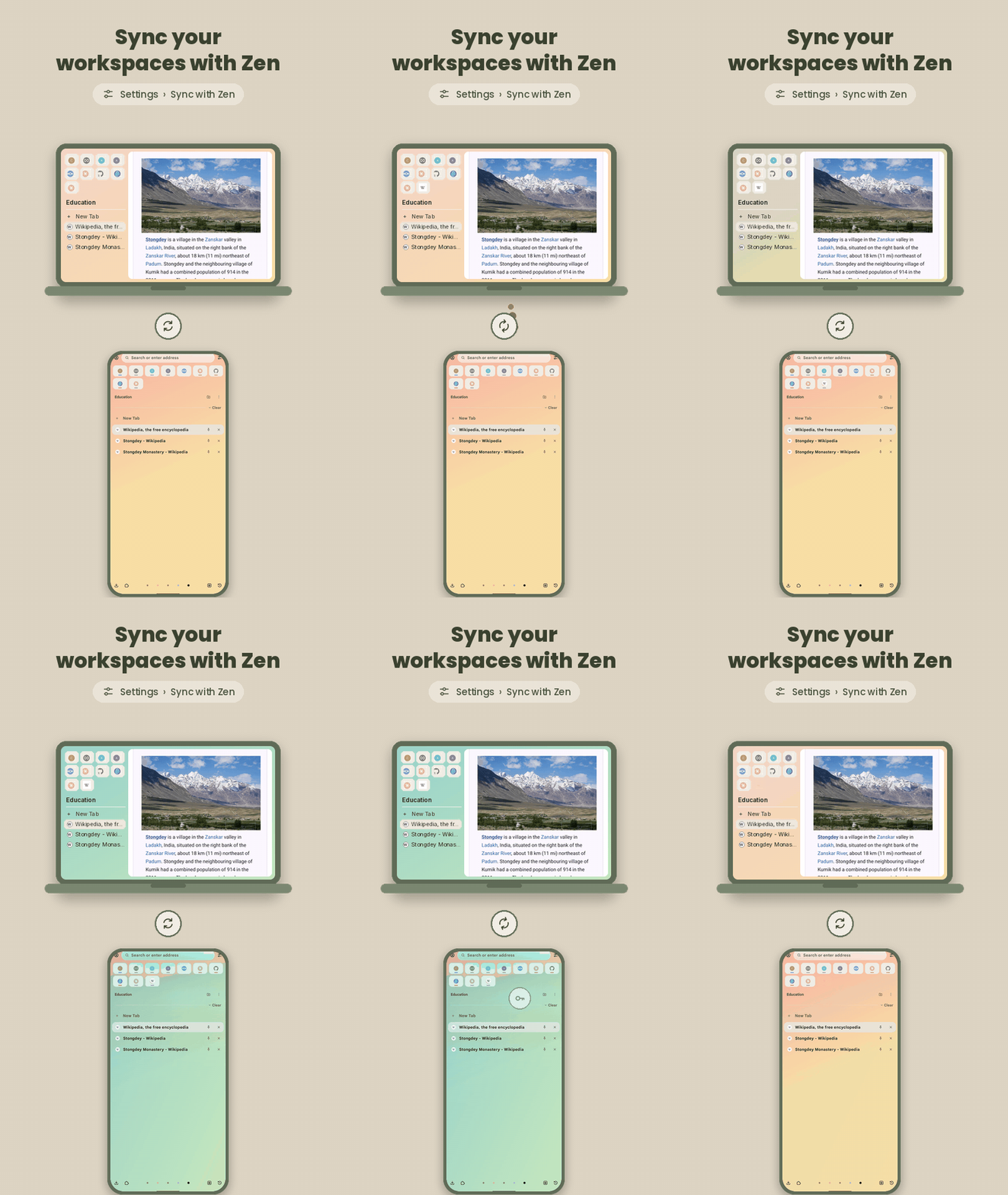
Your workspaces, with their colors and icons, containers, pinned tabs, essentials and folders stay the same in Zen on your computer and in Dejavu on your other devices. Unpinned tabs can sync too.

Split view

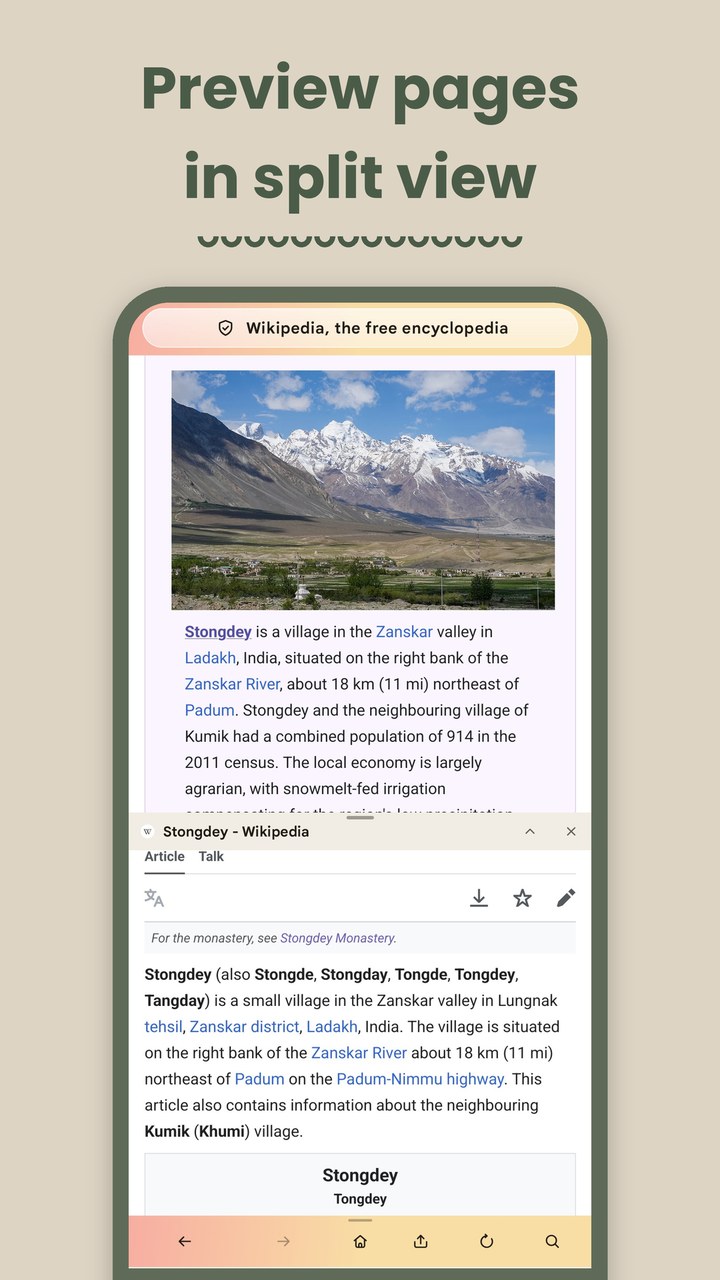
Open a link in split view to see two pages at once, or preview a page without leaving the one you are reading.

Private by default

Telemetry, studies, search suggestions and sponsored content are off until you turn them on, and there are no ads.

Gecko engine

Add-ons like uBlock Origin and Dark Reader, Enhanced Tracking Protection, and sync for bookmarks, history and passwords through your Mozilla account.

Sync with Zen

Pick up on your phone where your desktop left off

Dejavu joins Zen Browser's workspace sync through your Mozilla account. Setting it up takes a minute.

A workspace changed in Zen on a laptop shows up the same way in Dejavu on a phone
  1. 1

    Sign in to the same Mozilla account in Zen on your computer and in Dejavu.

  2. 2

    In Zen, open Settings, then Sync, and turn on sidebar sync.

  3. 3

    In Dejavu, open Settings, then Sync with Zen, and turn on Sync workspaces.

  4. 4

    To sync the tabs that are not pinned as well, turn on Include unpinned tabs in both Dejavu and Zen.

Download

Get Dejavu on your phone

Dejavu needs Android 8.0 or newer on a 64-bit phone, which almost every phone from recent years is. On Google Play it is in testing; the public release is planned for late October 2026.

F-Droid

Recommended

Add the ByArchitect repository to F-Droid once, then install Dejavu from it. F-Droid keeps it up to date.

Add to F-Droid
QR code that adds the ByArchitect repository to F-Droid

On a computer? Scan this with F-Droid on your phone: open Repositories, tap + and scan. Or open fdroid.byarchitect.org on your phone.

Android APK

Direct download

The app file from the latest release on GitHub. Install it to try Dejavu right away; it does not update itself, so use F-Droid to get new versions.

Download APK

The newest release on GitHub

iOS

In development

We are working on an iOS app. News about it will be shared on the GitHub repository.

Watch on GitHub

Questions

Good to know

Is there a Zen Browser for Android?

Zen Browser itself has no Android app, and its team has said there are no plans for one. Dejavu is a separate, independent Android browser that syncs with Zen: the workspaces, containers, pinned tabs, essentials and folders you have in Zen on your computer show up in Dejavu on your phone. It is not made by the Zen team.

What is Dejavu Browser?

Dejavu is a free and open source web browser for Android, built on Mozilla's Gecko engine. It keeps your tabs in workspaces, containers, pinned tabs and folders, shows two pages side by side in split view, and sends any tab to your own apps with custom actions. It is not made or endorsed by Mozilla.

Is Dejavu free?

Yes. Dejavu is free software under the Mozilla Public License 2.0. It has no ads and no sponsored content, and it sends no telemetry.

How do I install Dejavu?

Add the ByArchitect repository to F-Droid and install Dejavu from it, or download the APK from the download section. It needs Android 8.0 or newer on a 64-bit phone. On Google Play it is in testing.

Contributing

Help shape Dejavu

Dejavu is open to contributions of every kind, and we would especially love help with design.

Design

Screens, flows and small details that make Dejavu simpler and easier to use.

Icon packs

Dejavu draws its own icon set. New icons, alternative icon packs and app icons are very welcome.

Themes

New color themes for workspaces.

Translations

Corrections for Dejavu's own texts in your language.

Code

Bug fixes and new features.

Testing

Try Dejavu on your phone or tablet and tell us what breaks.

Send designs, icon packs and themes to byarchitect@disroot.org, or open a pull request. CONTRIBUTING.md explains how each of these works and how to build Dejavu.

Contact

Get in touch

For sponsorship, designs, icon packs, themes, or anything that is not a bug report or a feature request, write to us. Bugs and feature requests go to GitHub issues, and you can follow them on the roadmap.

byarchitect@disroot.org

Build from source

The repository is a fork of Mozilla's Firefox repository, kept up to date with it, but Dejavu is developed separately from Mozilla. The Android app is in mobile/android/fenix, and Dejavu's own code is in the org.mozilla.fenix.dejavu package. The steps to build it and run it on a phone are in CONTRIBUTING.md.

Privacy

Dejavu does not collect your data. The privacy policy explains what stays on your device and what the optional features, like sync, share with Mozilla and your search engine.